Step-by-Step Guides

Whether you're just getting started or looking to master new skills, you've come to the right place. These step-by-step guides are designed to walk you through each part of the process with clarity and confidence. Let’s simplify the complex and help you take action—one step at a time.

Screenshot of a tutorial webpage titled 'Create a Team in TransactionDesk' showing a step-by-step guide for navigating to the TransactionDesk platform, with a dashboard interface preview and instructional steps.

Create a Team in
Transaction Desk

Add other agents in your brokerage to your Transaction Desk “Team” through the Team/Share feature.

Screenshot of a webpage with the title "How To Renew Your Real Estate License Online," showing steps and icons related to real estate license renewal and system maintenance.

How to Renew Your Real Estate License Online

Renewing your Tennessee Real Estate License just became easier with the online CORE account.
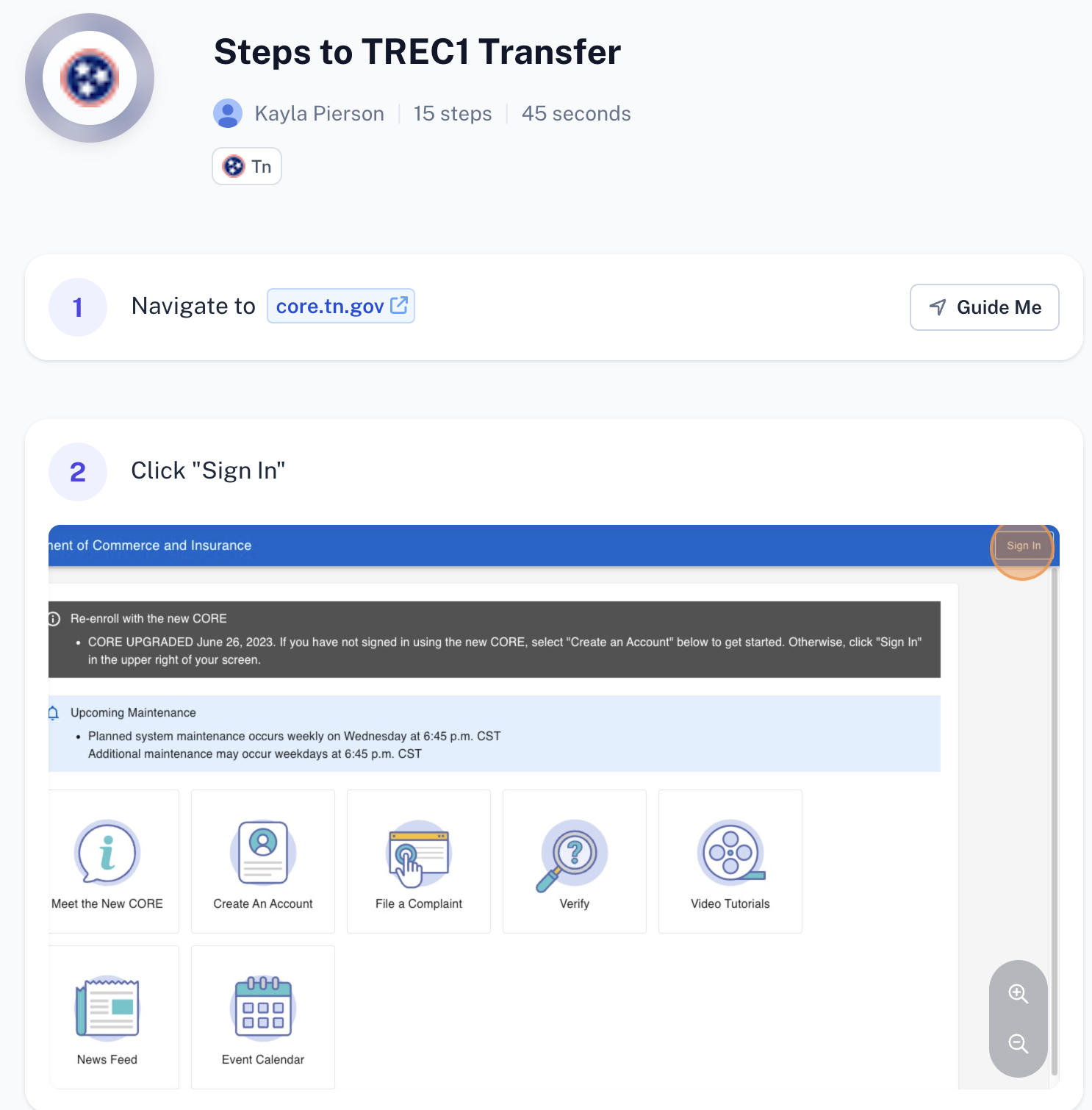
Screenshot of an online tutorial titled "Steps to TREC1 Transfer" by Kayla Pierson, with 15 steps and a 45-second duration, featuring instructions to navigate to core.tn.gov and click "Sign In." Below are icons for different sections such as Meet the New CORE, Create An Account, File a Complaint, Verify, Video Tutorials, News Feed, and Event Calendar.

Steps to a TREC1 Transfer

Looking to move real estate offices or retire your license in Tennessee? A TREC1 form is needed. Follow these steps to Transfer to a new firm.

Prefer VIDEOS more?